
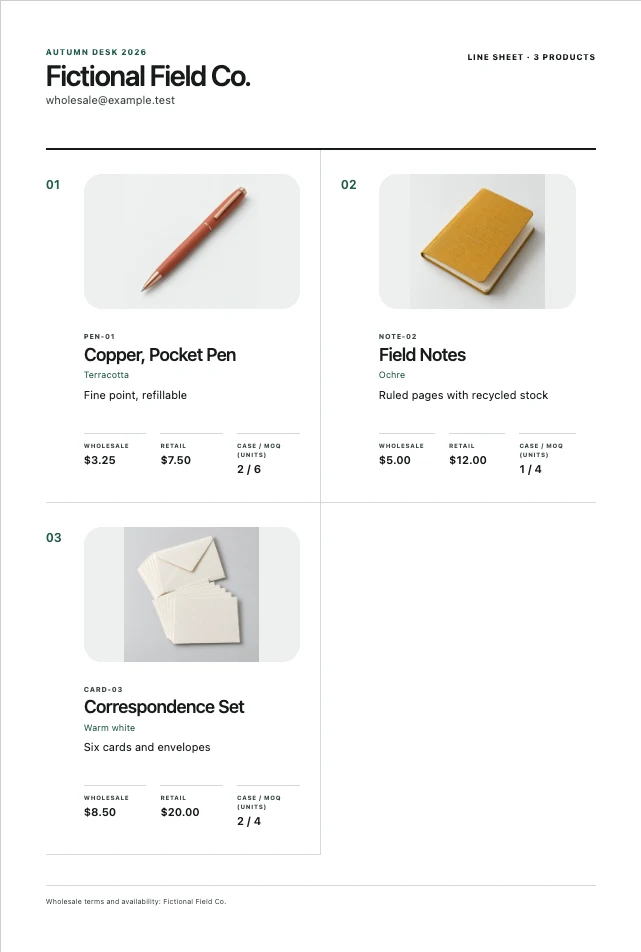
What to put on it.
Buyers scan for the same few facts on every product. If one is missing, they have to email you before they can order, and many won't. Put the brand details once at the top and the product details in the same order for every item.
Once, at the top of the sheet:
- Brand and contact
- Brand name, the person who takes orders, an email address and a website.
- Collection and season
- For example "Autumn 2026 stationery", so a buyer knows which sheet is current.
- Currency and terms
- One currency for every price, plus your opening order minimum, payment terms and lead time if you have them.
For every product:
- Photo
- One clear product photo on a plain background. Show the whole item.
- SKU and name
- A unique product code. Every variant a buyer can order separately gets its own code.
- Wholesale and retail price
- The per-unit price the shop pays, and the suggested retail price. Label both.
- Case pack and minimum
- How many units come in one case, and the fewest units a shop can order.
- Short description
- Size, material or count in one line, such as "A5, 96 pages, dot grid".
A worked example.
This is the product table from a fictional stationery line sheet. Each row answers a buyer's questions without a follow-up email.
| Product | Description | Wholesale | Retail | Case pack | Minimum |
|---|---|---|---|---|---|
| PEN-01 · Pocket Pen | Aluminium, black ink | $3.25 | $6.50 | 2 | 6 |
| NOTE-02 · Field Notes | A6, 48 pages, ruled | $5.00 | $10.00 | 1 | 4 |
| CARD-03 · Correspondence Set | 8 cards and envelopes | $8.50 | $17.00 | 2 | 4 |
Retail is twice wholesale on every line here, which gives the shop a 50% margin before its other costs. That is a common starting point, not a rule. Check your own margin and markup with the free calculator.
The minimum is a whole number of cases on every line. A buyer who wants 7 pens has to order 8, because pens come in pairs. See how the matching order form handles case packs.
Line sheet, price list or order form?
They do different jobs. Most brands send all three, and they need to agree on every code and price.
- Line sheet
- Photos, codes, prices and ordering rules for the whole collection. Send it when a buyer first looks at your range or before a trade show.
- Price list
- The same codes and prices with no photos, in a compact table. Useful for reorders and for buyers who already know the products. See the price list template.
- Order form
- The codes and prices again, with space for quantities and line totals. The buyer fills it in and sends it back.
- Catalog
- Large imagery and the brand story. Good for marketing, but too slow for a buyer to order from.
Make yours from a CSV.
Retyping prices into a design tool is where mistakes creep in. Start from one product list and generate the paperwork from it, so a price change only has to be made once.
- List your products. One row per orderable item with the columns sku, name, wholesale, retail, case_pack, moq and description. Start from the example CSV if that's easier.
- Open the free demo. Paste up to three products, or explore with the fictional sample.
- Add the collection details. Brand, contact, collection name, currency and A4 or US Letter paper.
- Compose and fix. RangePaper flags duplicate codes, price errors and minimums that don't fit the case pack.
- Print or save as PDF. Use your browser's print dialog, then check the saved file before you send it.
Mistakes buyers notice.
These are the problems that slow an order down or make a brand look unready.
- Prices that don't match
- The line sheet says $5.00 and the order form says $5.50. Generate both from the same list.
- Missing case packs
- The buyer orders 5 and you only sell in sixes. State the case pack and minimum on every line.
- Mixed currencies
- Use one currency per sheet. Make a separate sheet for each currency you sell in.
- Reused product codes
- Two colours sharing one SKU means you can't tell which one was ordered.
- No date or season
- Without one, a buyer can't tell an old sheet from the current one.
Questions.
- Should a line sheet show retail prices?
- Most brands show a suggested retail price next to the wholesale price so a buyer can see their margin at a glance. Label both clearly.
- How many products fit on one page?
- Usually four to eight with photos, depending on paper size and how much description you include. Keep the photos large enough to see the product.
- Can I use a Canva or spreadsheet template?
- Yes. The risk is retyping: when a price changes, you have to fix every document by hand. Generating from one CSV avoids that.
- Is this template free?
- The demo makes a full line sheet, price list and order form for up to three products at no cost. The offline edition handles up to 200 products and saves your project locally.
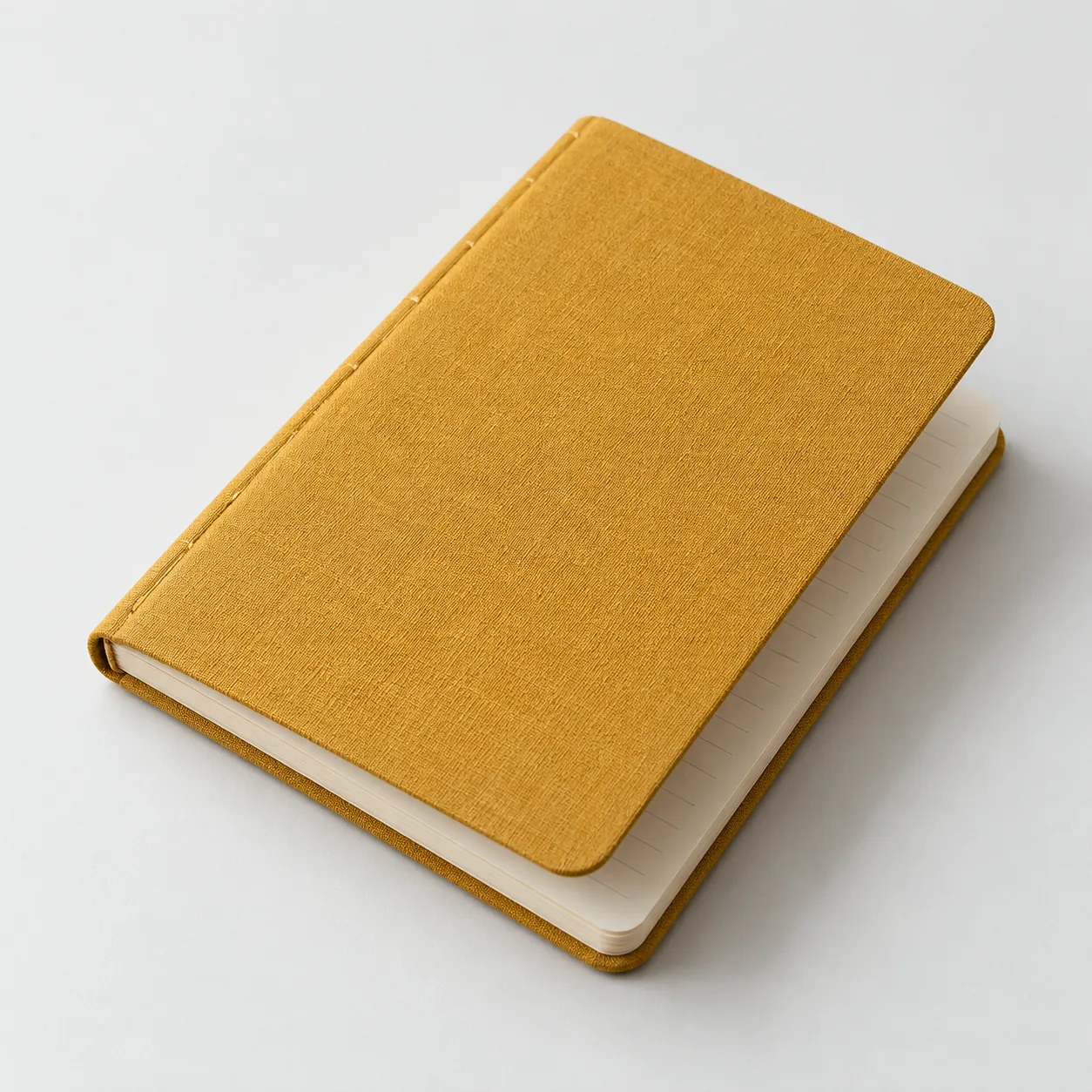
Try it with your products.
RangePaper makes the line sheet, price list and order form from one product list, so codes and prices always match. Your catalog stays in your browser. Product names, prices and photos are not uploaded.
Make a free line sheet